In the realm of photography, mastering the art of cropping and straightening photos effectively is essential for enhancing visual storytelling. This introductory segment highlights the significance of these editing techniques, which not only improve the aesthetics of an image but also reflect the photographer’s intent. Many photographers, particularly beginners, may encounter common pitfalls during this process, yet understanding the foundational elements can lead to remarkable improvements.
By exploring various tools and software, as well as techniques employed by professionals, aspiring photographers can elevate their skills and produce images that resonate with their audience. The journey through photo editing begins with recognizing the value of precision in cropping and the importance of alignment, laying the groundwork for stunning results.
Introduction to Photo Cropping and Straightening
In the world of photography, cropping and straightening are fundamental editing techniques that enhance the overall composition and impact of an image. These processes not only refine the aesthetic appeal of photographs but also serve practical purposes such as focusing attention on the subject and improving the alignment of horizontal and vertical lines.Cropping involves removing unwanted outer areas from an image to improve framing, emphasize the subject, or change the aspect ratio.
Straightening, on the other hand, corrects the tilt of a photo, ensuring that horizons are level and vertical lines are straight. Common mistakes made during cropping include cutting off essential parts of the subject or leaving too much empty space. In straightening, over-correction can result in distorted images.
Common Mistakes in Cropping and Straightening
Understanding the typical pitfalls can significantly enhance a beginner’s photo editing skills. Here are notable mistakes often encountered:
- Cutting off important elements: When cropping, be mindful not to eliminate vital parts of the subject, which can lead to a disjointed appearance.
- Ignoring the rule of thirds: Failing to position subjects in line with the rule of thirds can result in less engaging images.
- Over-straightening: Making an image too straight can create unnatural perspectives, especially in landscape photography.
- Neglecting image resolution: Excessive cropping can reduce the resolution of an image, resulting in loss of detail and quality.
Tips for Beginners to Get Started with Photo Editing Techniques
For those new to photo editing, following structured techniques can lead to more successful outcomes. Here are essential tips to help beginners effectively crop and straighten photos:
- Utilize cropping grids: Most editing software offers grid overlays that can help with the composition and alignment.
- Experiment with aspect ratios: Different projects may require different aspect ratios; experimenting can yield surprising results.
- Take your time: Rushing through cropping and straightening can lead to mistakes; take the time to make thoughtful adjustments.
- Preview changes: Always preview your edits before finalizing to ensure that the changes enhance the image as intended.
- Learn from examples: Analyzing well-composed images can provide inspiration and insight into effective cropping and straightening techniques.
Tools and Software for Cropping and Straightening Photos
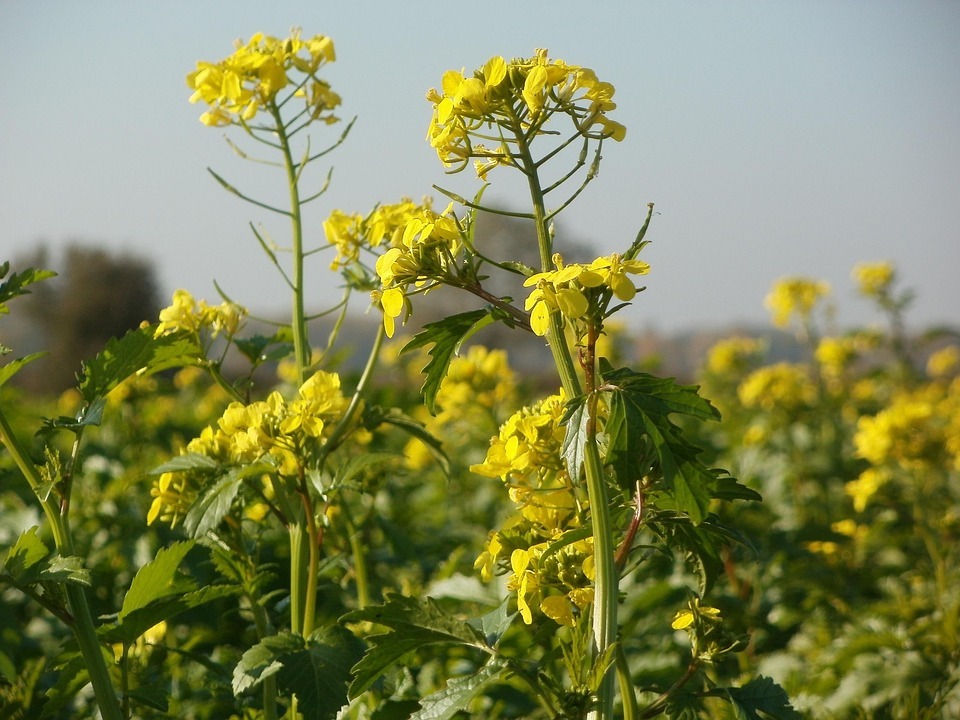
In today’s digital age, photo editing is a crucial skill for photographers and casual users alike. Cropping and straightening photos are fundamental techniques that enhance the overall composition and presentation of images. Understanding the various tools and software available can significantly improve your editing efficiency and results.There are several popular photo editing software options that cater to different needs, ranging from professional-grade applications to user-friendly platforms for beginners.
Each software comes with its own set of features tailored for cropping and straightening images effectively. Familiarity with these tools can lead to an improved editing workflow and better outcomes in your photography projects.
Comparison of Photo Editing Software
The selection of the appropriate software for cropping and straightening photos can vastly influence your editing experience. Below is a comparison of some of the most widely used photo editing tools, highlighting their unique features as well as their pros and cons.
| Software | Features | Pros | Cons |
|---|---|---|---|
| Adobe Photoshop | Advanced cropping tools, perspective correction, layer support | Industry standard, extensive features, supports various formats | Subscription-based, steep learning curve |
| Adobe Lightroom | Non-destructive editing, easy straightening tools, batch processing | User-friendly, great for organizing collections, mobile app available | Less advanced features compared to Photoshop, requires a subscription |
| GIMP | Free software, customizable interface, various plugins | Open-source, comprehensive editing tools, one-time download | Less intuitive than paid software, limited support |
| Canva | Simple cropping tools, templates, drag-and-drop interface | Highly accessible, great for beginners, free version available | Limited features for advanced editing, lower image quality exports |
| Fotor | One-click enhancements, cropping and straightening tools | User-friendly, good for quick edits, online access | Less control over fine adjustments, ads in free version |
Each of these software options has its strengths and weaknesses, making it essential to choose one that aligns with your specific needs and skill level. Whether you are a professional photographer or a hobbyist, understanding the features of various tools can enhance your photo editing capabilities and streamline your creative process.
Techniques for Effective Cropping
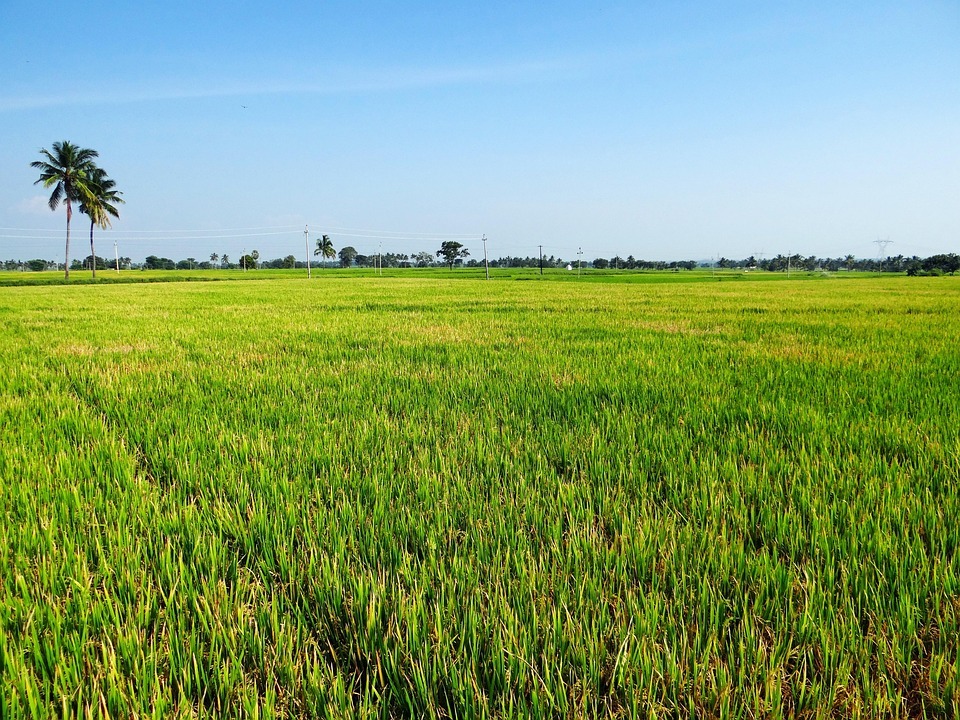
Effective cropping is an essential skill for photographers, allowing them to enhance the composition and focus of their images. Various cropping techniques employed by professional photographers can dramatically alter the perception of a photograph, guiding the viewer’s eye and emphasizing key elements. Understanding these techniques is vital for anyone looking to improve their photographic artistry.
Professional Cropping Techniques
Professional photographers often utilize specific techniques to ensure their images convey the intended message and aesthetic. Below are several commonly used cropping methods:
- Centering: This technique involves placing the main subject in the center of the frame. It is effective for portraits and highlights the subject, making it the focal point.
- Framing: This method uses elements within the scene to frame the subject. For instance, branches or windows can create a natural border that draws attention to the central subject.
- Negative Space: Cropping to include significant negative space around the subject can enhance its impact. This technique emphasizes solitude or conveys a sense of scale.
- Candid Cropping: This spontaneous approach allows for creative angles and perspectives. It can lead to unique compositions that resonate emotionally with viewers.
Determining the Right Aspect Ratio
Choosing the appropriate aspect ratio for a photograph is crucial, as it can significantly affect the visual outcome and presentation on various platforms. Different mediums and usages may require distinct aspect ratios to maintain visual integrity.
- Social Media: For platforms like Instagram, a 1:1 aspect ratio is ideal for square images, while 4:5 is recommended for vertical posts. Facebook and Twitter often favor 16:9 for landscape images.
- Print: Typical print sizes, such as 8×10 inches, use a 4:5 ratio. For larger prints, a 2:3 ratio is often preferred, commonly utilized in professional photography.
- Websites: When showcasing images on websites, a 16:9 ratio is effective for hero images, while 4:3 can be suitable for gallery displays and blog entries.
Applying the Rule of Thirds
The rule of thirds is a foundational principle in photography that aids in creating balanced and engaging compositions. By dividing the frame into a 3×3 grid, photographers can strategically place subjects along the grid lines or at their intersections to enhance visual interest.
“Placing key elements along the lines or at the intersections can lead to more dynamic and appealing photographs.”
To effectively apply the rule of thirds during cropping:
- Identify the main subject of the photograph.
- Envision the grid overlay on the image and align the subject with one of the grid lines or intersections.
- Consider other elements in the frame and adjust the cropping to maintain balance while enhancing the subject’s importance.
By mastering these cropping techniques and principles, photographers can significantly improve the aesthetic quality of their images and ensure they grab the viewer’s attention effectively.
Straightening Photos
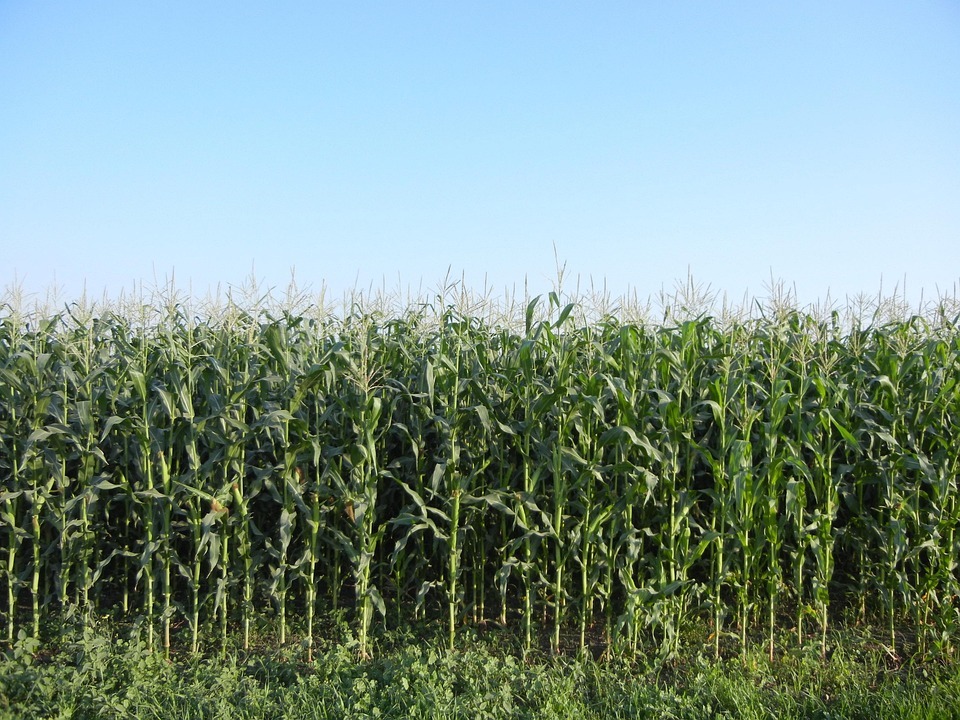
Straightening photos is an essential aspect of photography that ensures a balanced and visually appealing image. An improperly aligned photo can distract viewers and diminish the overall quality of the composition. Correcting horizon lines and vertical alignment enhances the aesthetic value and communicates the intended message of the photograph more effectively.Horizon lines and vertical alignments play crucial roles in establishing balance and perspective in photography.
A horizon line that tilts can create a sense of unease, while vertical elements such as buildings or trees that lean can mislead the viewer’s perception of the scene. Therefore, ensuring proper alignment aids in achieving a natural look in your photography.
Methods for Effectively Straightening an Image Using Software Tools
Using software tools for straightening images can greatly improve the quality of your photographs. Different programs offer various features that enhance the straightening process. Below are some popular methods to straighten images effectively:
1. Using Adobe Photoshop
Open your image in Photoshop and select the Crop Tool (C).
In the options bar, check the “Straighten” option.
Draw a line along the horizon or a vertical object in the image. Photoshop will automatically crop and straighten the image based on your line. Press Enter to apply the changes.
2. Using Lightroom
Import your photo and select it in the Library module.
Go to the Develop module and locate the Crop Overlay tool (R).
Use the Angle slider or the Straighten tool to adjust the alignment.
Click Done to save your adjustments.
3. Using Online Tools
Websites such as Fotor or Pixlr offer straightforward tools for straightening images.
Simply upload your photo, use the rotate and straighten features, and download the corrected image.
Step-by-Step Procedure for Straightening Photos with Screenshots
The following step-by-step guide illustrates the process of straightening photos in Adobe Photoshop, a widely used software by photographers:
1. Open Your Image
Start by launching Adobe Photoshop and opening the image you wish to straighten.
*Screenshot Description*
A typical interface of Photoshop with an image loaded, showcasing the Crop Tool featured in the toolbar.
2. Select the Crop Tool
Click on the Crop Tool from the left toolbar.
*Screenshot Description*
Highlight the Crop Tool icon with a clear indication of where to find it in the toolbar.
3. Activate the Straighten Function
Enable the “Straighten” option in the options bar at the top of the workspace.
*Screenshot Description*
The options bar showing the Crop Tool settings with “Straighten” checked.
4. Draw a Reference Line
Click and drag along the horizon line or any vertical reference point in the image.
*Screenshot Description*
An example showing a line drawn across the horizon within the image, indicating the reference for straightening.
5. Apply the Crop
Upon releasing the mouse button, Photoshop will automatically straighten the image and crop out any empty spaces.
*Screenshot Description*
The final image, now straightened, with the cropped area highlighted.
6. Save Your Image
After straightening, save the image by selecting File > Save As and choosing your preferred format.
*Screenshot Description*
The File menu showing the Save As option with various file format choices displayed.Utilizing the above methods and adhering to best practices in straightening photos will enhance the overall quality of your images and ensure that they convey the desired message effectively.
Advanced Cropping Strategies
The world of photography is rich with techniques that elevate the visual narrative of an image. Advanced cropping strategies play a crucial role in enhancing the composition, focusing the viewer’s attention, and even altering the message conveyed by a photograph. By thoughtfully employing these strategies, photographers can transform ordinary images into striking visual stories.Understanding the impact of cropping on storytelling is essential for any photographer aiming to create compelling images.
Cropping can significantly alter the viewer’s perception by changing the context or removing distractions. Various advanced techniques can be employed to enhance the storytelling aspects of a photograph, which include creative framing, the use of negative space, and utilizing the rule of thirds.
Creative Framing Techniques
Creative framing is an advanced cropping technique that involves using elements within the scene to create a natural frame around the subject. This technique draws attention and guides the viewer’s eye directly to the focal point. The effectiveness of this method can be amplified by considering the following aspects:
Incorporating Natural Elements
Use branches, windows, or doorways as frames. For instance, in Henri Cartier-Bresson’s photograph “Behind the Gare Saint-Lazare,” the puddle acts as a natural frame, enhancing the composition and adding depth.
Architectural Features
Buildings can provide structural frames. In Amy Stein’s “Domesticated,” the artist uses the architecture of a home to frame her subjects, creating a sense of intimacy.
Layering
Employ multiple frames by layering foreground and background elements, creating a three-dimensional effect, as seen in Ansel Adams’ landscape works where mountain peaks frame the valleys.
Impact of Cropping on Storytelling
Cropping is not merely a technical adjustment; it fundamentally changes the narrative of a photograph. A well-executed crop can evoke emotions and emphasize specific elements that tell a story.
Focus Shift
By eliminating extraneous details, the photographer can emphasize the subject’s emotional expression. For example, the iconic portrait of Albert Einstein by Yousuf Karsh was cropped to emphasize his thoughtful demeanor, enhancing the viewer’s connection to the subject.
Changing Context
Cropping can alter the context of the image. The famous photograph “Lunch atop a Skyscraper” depicts construction workers enjoying lunch on a beam high above New York City. By cropping to include only the workers and not the bustling city below, the image becomes focused on their bravery and camaraderie.
Narrative Compression
Cropping can compress time and space, making a single image represent a broader story. Consider the powerful image of a mother fleeing a war-torn area, where cropping focuses solely on her expression of urgency, conveying a narrative about displacement and survival.
Examples of Famous Photographs and Cropping Effects
Numerous famous photographs illustrate how cropping can dramatically influence composition and storytelling. In the case of “Migrant Mother” by Dorothea Lange, the original image was cropped to focus more on the mother and children, enhancing the emotional impact and making the viewer empathize with their plight.Another example is the “V-J Day in Times Square” image by Alfred Eisenstaedt. The initial crop of the kiss between the sailor and nurse highlights the spontaneity and joy of the moment, serving as a powerful symbol of the end of World War II.These examples affirm that advanced cropping strategies are fundamental in photography, allowing for enhanced storytelling and a more profound connection between the viewer and the image.
Common Issues and Troubleshooting in Cropping and Straightening
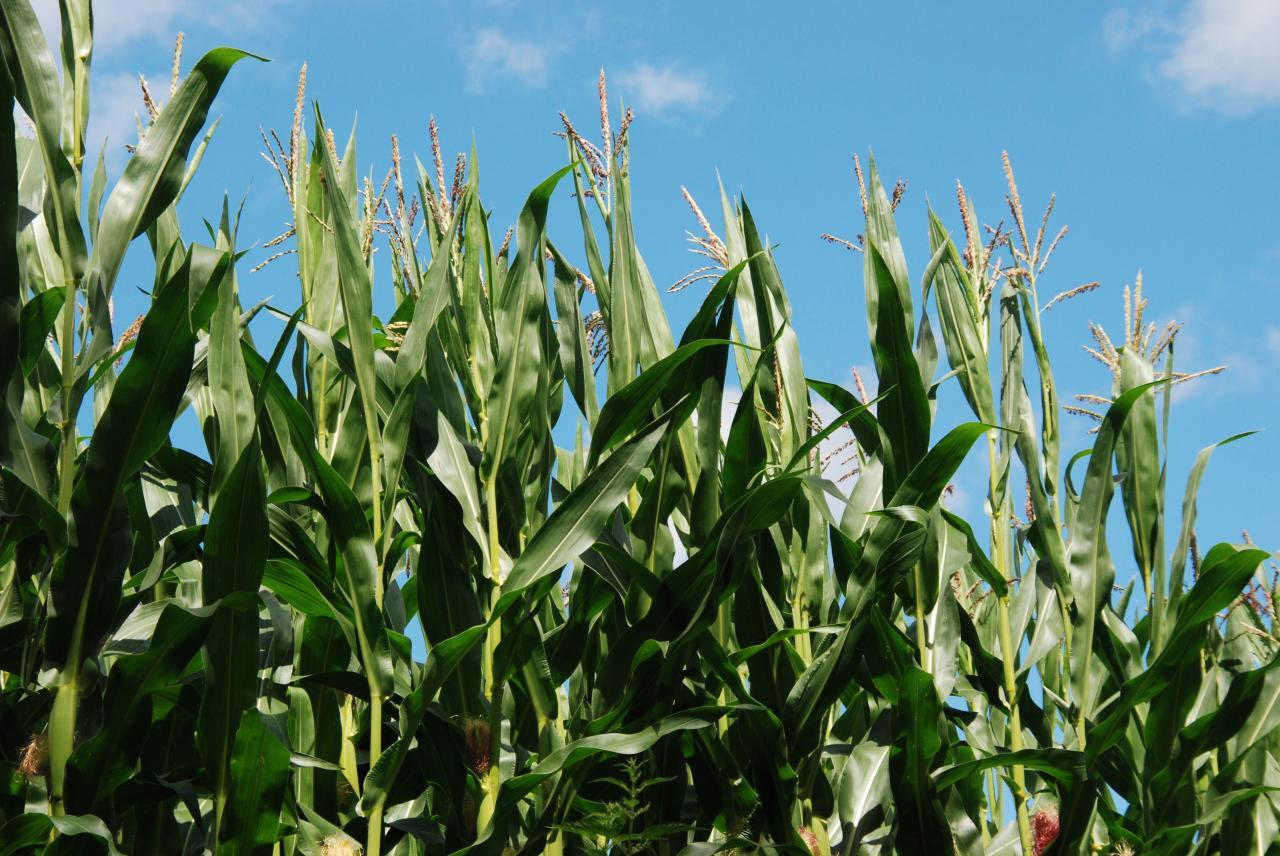
When working with photo cropping and straightening, photographers often encounter a variety of challenges that can negatively impact the final image quality. Understanding these common issues is crucial for improving your editing skills and achieving the desired results. This section Artikels frequent problems associated with cropping and straightening, along with effective solutions and quick fixes to enhance your workflow.One significant challenge in cropping and straightening photos is the distortion that can occur during these processes.
Distortion may lead to unappealing results, such as warped edges or misaligned subjects, which detracts from the overall composition. Additionally, perspective issues can arise when straightening images, especially in architectural photography where lines are expected to be perfectly vertical or horizontal. It is essential to be aware of these problems and know how to address them to maintain the integrity of your images.
Identifying and Fixing Distortion and Perspective Issues
Distortion and perspective problems can be particularly frustrating. However, by using the right techniques, you can correct these issues effectively. When dealing with distortion, consider the following solutions:
Use Transformation Tools
Many photo editing software programs offer transformation tools that allow you to adjust the perspective of an image. Look for options like “Warp” or “Perspective Correction” to rectify any distortions.
Crop Strategically
When cropping to fix perspective, ensure that the cropped area still encompasses the important elements of the photo. This may involve adjusting the crop dimensions to maintain balance and focus.
Guidelines and Grids
Utilize grids or guides within your editing software to align elements properly. This will help in visually assessing whether the lines and subjects are straight and proportionate.The following list presents quick fixes for common cropping errors, providing simple yet effective solutions to enhance your images:
- Maintain Aspect Ratio: When cropping, ensure that you maintain the intended aspect ratio to prevent unwanted distortions.
- Use the Crop Tool Effectively: Familiarize yourself with your software’s crop tool options, including adjusting the boundaries before applying the crop.
- Check Composition: Always review the composition after cropping; ensure that key subjects remain in focus and well-positioned within the frame.
- Undo and Compare: Use the undo function to compare the edited image with the original, ensuring that no important details have been lost.
- Zoom In for Precision: Zoom in on the details while cropping or straightening to ensure accuracy, especially around edges where distortion may be more noticeable.
By being aware of these common issues and implementing the solutions and quick fixes Artikeld above, you can enhance your cropping and straightening skills, leading to improved photography results.
Final Touches
In the process of enhancing photos, final touches play a critical role in elevating the overall quality of the images after cropping and straightening. These additional editing techniques can significantly improve visual appeal and ensure that the photos convey the intended message with clarity and vibrancy. The importance of final adjustments cannot be overstated, as they can transform an ordinary image into a striking piece of art.After cropping and straightening, color correction and adjustments are essential to ensure that the photo’s colors are accurately represented and visually appealing.
These adjustments can enhance the mood of the image and help achieve a professional finish.
Color Correction and Adjustments
Effective color correction can dramatically impact the overall quality of an image. This process involves adjusting various parameters to achieve true-to-life colors or to create a specific mood. Here are several important aspects to consider when performing color correction:
White Balance
Adjust the white balance to eliminate any color casts caused by lighting conditions. A properly balanced image will look more natural and appealing.
Exposure Adjustment
Correcting exposure helps reveal detail in both shadows and highlights. It is crucial to find the right balance to avoid flat images or loss of detail.
Contrast and Brightness
Increasing contrast can add depth to an image, making elements stand out. Adjusting the brightness ensures that the image is neither too dark nor overly bright, preserving details.
Saturation and Vibrance
Modifying saturation enhances or diminishes colors, while vibrance selectively boosts the intensity of less saturated colors, leading to a more balanced and visually engaging photo.
Sharpening
Applying sharpening techniques can enhance the details in an image, ensuring that it appears crisp and clear, especially after significant cropping.
“A well-edited photo can convey emotions, tell a story, and create a lasting impression.”
Preparing Images for Social Media Sharing
To ensure that images are optimized for social media platforms, it is essential to consider the specific requirements and preferences of each platform. This preparation can help increase engagement and visibility. The following steps Artikel effective practices for preparing images:
Image Size and Format
Adjust the size of the image according to the recommended dimensions for each social media platform (e.g., square for Instagram, landscape for Facebook). Common formats include JPEG and PNG, with JPEG being preferable for photographs due to its compression capabilities.
Resolution
Maintain a high resolution (at least 72 DPI) to ensure clarity on screens. While high-resolution images are important, be mindful of the file size to avoid slow loading times.
Aspect Ratios
Familiarize yourself with the aspect ratios preferred by different platforms, ensuring that the images are visually appealing without losing important details in the cropping process.
Watermarking
Consider adding a subtle watermark to protect your work and promote your brand. Ensure that it does not detract from the overall aesthetic of the image.
Captions and Tags
Prepare engaging captions and relevant hashtags to accompany the image, as they can enhance visibility and encourage interaction from viewers.Integrating these final touches into the workflow post-cropping and straightening not only enhances the overall quality of the images but also prepares them for a successful presentation on social media platforms.
Final Review
In conclusion, effective cropping and straightening are integral components of photography that can transform an ordinary image into a captivating visual experience. By employing the strategies and techniques discussed, photographers can overcome common challenges and refine their work with finesse. Whether for personal enjoyment or professional endeavors, the ability to edit photos skillfully is a valuable asset that enhances the overall impact of visual narratives.